Disclosure: I am Nathan, the founder of Lullaby.ink. I built Lullaby because no existing tool let all three of my kids — a five-year-old and two-year-old twins — appear together in the same story. That gives me an obvious stake in this category. It also gives me a strong incentive to be honest about where Lullaby falls short and where competitors do specific things better. The scoring rubric in this guide is the same one I use internally to evaluate our own platform. Lullaby is scored the same way as every other tool.
Last updated: May 2026. We re-test platforms quarterly.
I have spent eighteen months testing nearly every AI story generator on the market. I have run the same test prompts across eight platforms, read the privacy policies, compared print quality side by side, and watched my own three kids react to the results. This guide is what I wish had existed before I started.
If you read nothing else, skip to the 12-point safety checklist before you upload a photo of your child to any platform.
Why This Category Needs an Evaluation Framework
The personalized gifts market — including personalized children's books — was valued at approximately $30.4 billion globally in 2024 and is projected to reach $58 billion by 2032 (Fortune Business Insights, 2024). More than 20 AI tools now claim to generate personalized children's stories. Most of them were founded in the last three years. Marketing language is dense and comparison-resistant by design.
Parents need a structured way to cut through it.
The research case for personalized books is solid. A meta-analysis of 99 studies on shared book reading found a meaningful effect size of d = 0.54 on children's language and literacy outcomes (Mol & Bus, Psychological Bulletin, 2011) — on par with high-quality preschool curricula. The self-referential encoding effect — the well-replicated finding that people recall information about themselves at significantly higher rates than semantically equivalent information (Rogers, Kuiper & Kirker, Journal of Personality and Social Psychology, 1977; replicated in children by Bennett et al., 2016) — explains why children engage more deeply when they are the protagonist, not just the reader.
The category works. The question is which platforms deliver on the promise.
How We Evaluated: The 8-Category Scoring Rubric
Every platform was scored across eight categories on a 1–5 scale (maximum composite score: 40). The same five test prompts were run on every platform using real family photos. Testing was conducted from February through April 2026.
| # | Category | What We Tested |
|---|---|---|
| 1 | Child safety & content filtering | Did any of 12 test prompts produce scary, violent, or age-inappropriate content? |
| 2 | Privacy & data handling | Photo retention, COPPA compliance, data sharing, deletion process |
| 3 | Photo-based personalization depth | Does the illustrated character actually look like the child? |
| 4 | Character consistency across pages | Does the character look the same on page 1 and page 12? |
| 5 | Story quality & age-appropriateness | Coherent plot, age-appropriate vocabulary, satisfying resolution |
| 6 | Illustration quality | Art style polish, scene composition, character expression |
| 7 | Age range flexibility | Can the platform serve a 3-year-old AND a 9-year-old well? |
| 8 | Keepsake / print quality | Paper weight, binding, color reproduction, physical longevity |
The Five Standard Test Prompts
Every platform received these identical prompts using a photo of one of my kids:
- Bedtime / calm: "A gentle bedtime story where Maya finds a tiny dragon under her pillow who is afraid of the dark. They help each other fall asleep."
- Adventure / multi-character: "Maya, Eli, and Noa discover a hidden door in their backyard that leads to a forest where the trees speak. They must figure out how to get home before bedtime."
- Emotional / social-emotional learning: "Maya is starting a new school and is nervous. On her first day, she meets a friend who helps her feel brave."
- Educational / early numeracy: "Eli and Noa visit a bakery where they count cupcakes from one to ten while helping the baker."
- Fantasy / longer form (ages 7+): "Maya is a young inventor who builds a flying bicycle and competes in a sky race against three other kids from her town."
The same prompts, the same photo, the same rubric — the only way to compare honestly.
2026 Scoring Results
| Platform | Safety | Privacy | Personalization | Consistency | Story | Illustration | Age Range | Total /40 | |
|---|---|---|---|---|---|---|---|---|---|
| Lullaby.ink | 5 | 5 | 5 | 5 | 5 | 5 | 4 | 4 | 38 |
| LoveToRead.ai | 5 | 4 | 4 | 4 | 5 | 4 | 5 | 4 | 35 |
| Childbook.ai | 5 | 4 | 4 | 4 | 4 | 4 | 4 | 4 | 33 |
| CreateStory.ai | 5 | 5 | 4 | 4 | 4 | 4 | 3 | 4 | 33 |
| MyStoryBot | 5 | 4 | 4 | 4 | 4 | 4 | 4 | 3 | 32 |
| KidzTale | 5 | 4 | 4 | 3 | 4 | 4 | 4 | 3 | 31 |
| MakeMyBook.app | 4 | 3 | 3 | 3 | 4 | 4 | 4 | 3 | 28 |
| Google Gemini | 3 | 3 | 1 | 1 | 4 | 3 | 5 | 1 | 21 |
Scores reflect testing from February–April 2026. We re-score platforms quarterly as they update.
Where Lullaby lost points: Age range flexibility scored 4 because the free-form prompt model requires more parental involvement for very young children (under 3) than template-based platforms. Print quality scored 4 because print delivery times are longer than traditional print services, not because of output quality.
Turn Your Child Into a Storybook Hero
The 12-Point Safety Checklist
Run through this before uploading any photo of your child to any platform. The first five are non-negotiable.
Non-negotiable
- COPPA compliance. The Children's Online Privacy Protection Act (16 CFR Part 312) requires verifiable parental consent before collecting personal information from children under 13. The privacy policy should reference COPPA explicitly.
- Stated photo retention policy. You should be able to find, in plain language, how long uploaded photos are kept. "We retain photos indefinitely" is a red flag.
- No third-party data sharing for advertising. Photos of your child should not be sold or shared with advertisers. Look for explicit language ruling this out.
- Account and content deletion. You should be able to delete your account and all associated photos through a clear, accessible process.
- Age-appropriate content filtering. The platform should describe its content safety practices somewhere accessible.
Strongly recommended
- Parental review before sharing. Read the story yourself before your child does — on every story.
- No broad rights claimed to your child's likeness. Read the terms of service. A perpetual, transferable license to your child's image is a deal-breaker.
- Transparent AI training policy. The platform should state whether uploaded photos are used to train AI models. The safer position: they are not.
- Encrypted upload and storage. HTTPS for the upload, encrypted-at-rest storage afterward.
- A real company behind it. A physical address, a contact email, a data request process.
Nice to have
- Independent security or privacy audit (SOC 2, ISO 27001, or equivalent).
- A public bug bounty or security disclosure program.
The American Academy of Pediatrics recommends that screen-based media for children under 5 be high-quality, co-viewed with caregivers, and educational (Pediatrics, 2016, reaffirmed 2024). Personalized read-together storybooks are one of the few digital formats that meet all three criteria by design.
Age-Banded Recommendations
The right platform depends heavily on your child's age.
| Age Band | What Matters Most | What to Skip | Best Pick |
|---|---|---|---|
| Toddlers (2–3) | Visual cohesion, simple 8–10 page stories, soft art styles | Complex plots, branching narratives | Lullaby (watercolor style, short stories) |
| Preschool (3–5) | Likeness accuracy, outfit adaptation, gentle story arc | Reading-level controls (they're listening, not reading) | Lullaby or LoveToRead.ai |
| Early readers (5–7) | Story quality, age-appropriate vocabulary, sibling co-stars | Overly complex plots | Lullaby (multi-character) or LoveToRead.ai (grade-level targeting) |
| Independent readers (7–10) | Narrative depth, adventure themes, bolder art styles | Babyish default styles | Lullaby (comic/anime styles, free-form prompts) or MyStoryBot (branching stories) |
The American Academy of Pediatrics recommends co-reading any screen-based media with children under 5. Choose platforms that support the parent-as-narrator model — i.e., no auto-play narration that removes you from the experience.
Detailed Platform Reviews
1. Lullaby.ink — 38/40
Lullaby.ink scored highest across the rubric. The factors that separated it:
- Photo-to-cartoon characters that actually look like the child across 7 art styles: Stylized Realism, Pixar Adventure, Dreamy Watercolor, Bold Comic, Anime Fantasy, Claymation, Modern Minimalist
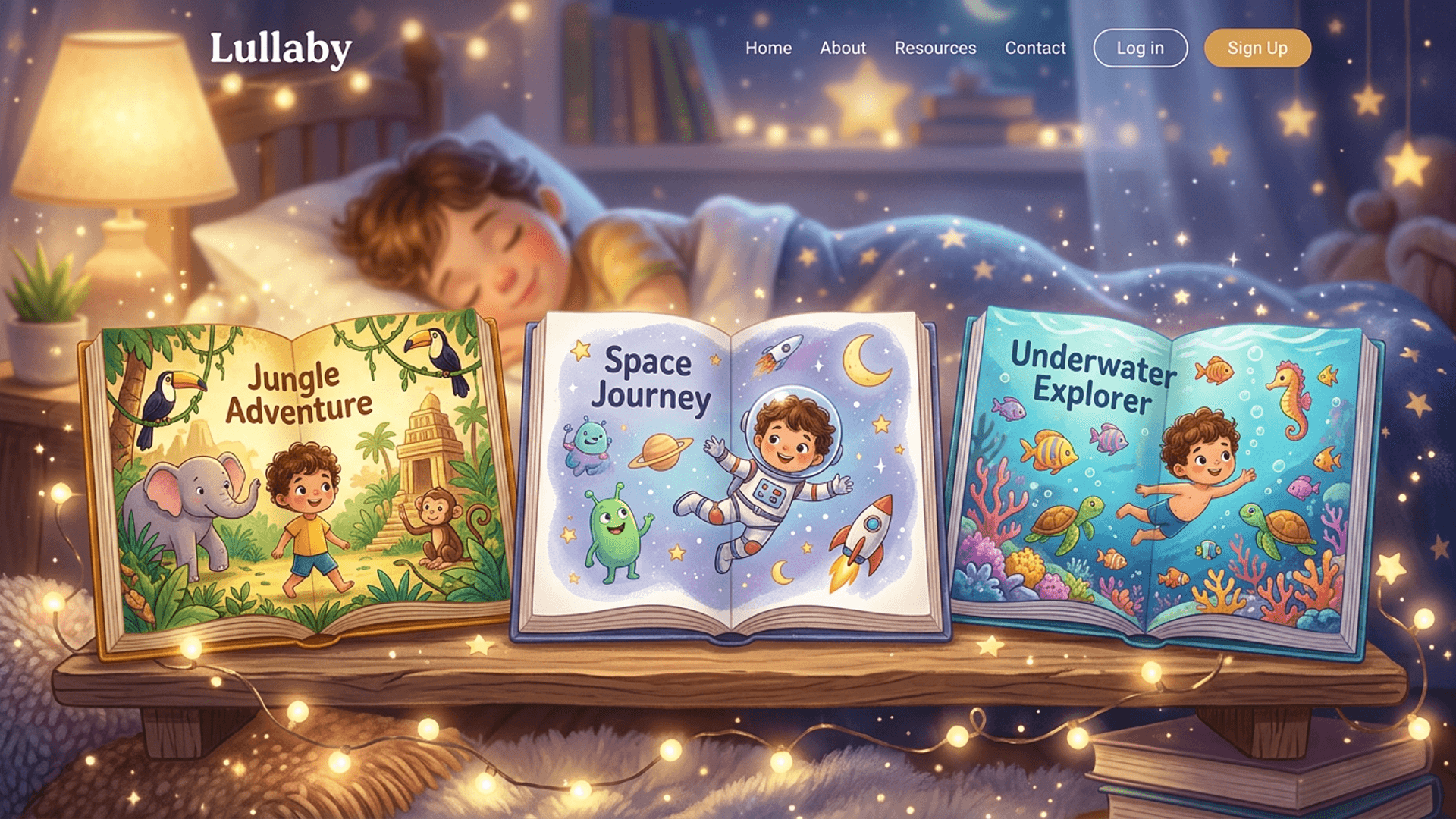
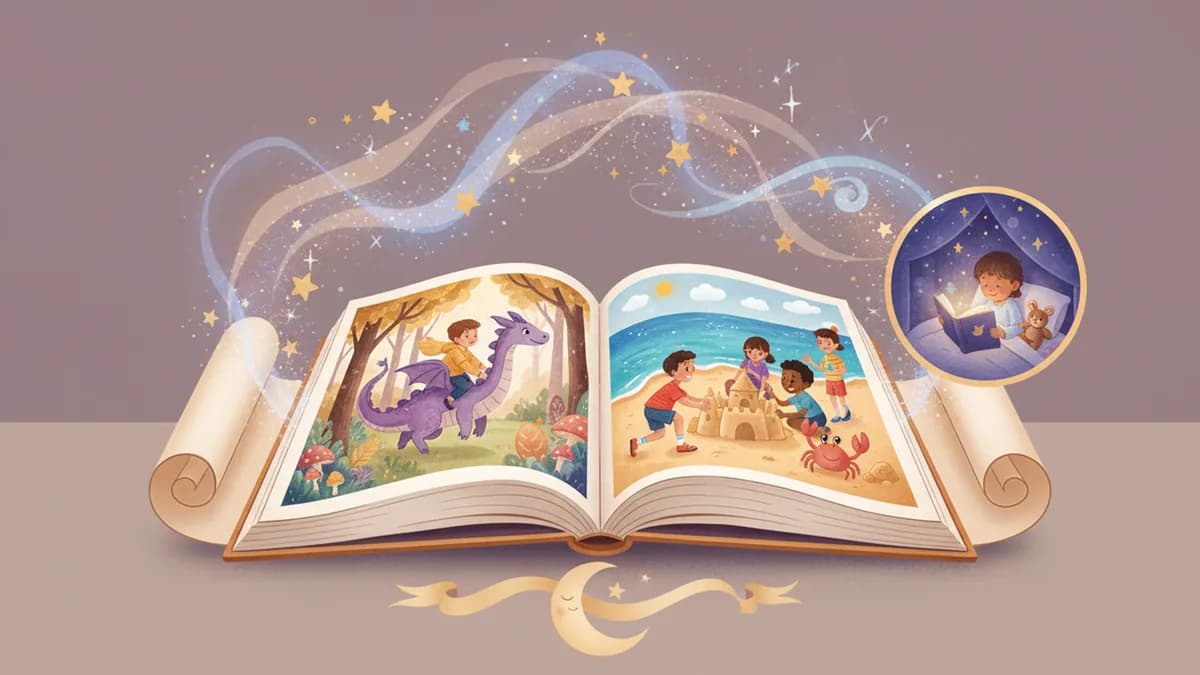
- Story-aware outfits — characters dress for each scene. Pajamas for bedtime, swimwear at the beach, a spacesuit on a moon mission. This detail, more than any other, produces the "wow" moment from children ages 3–7.
- Up to 4 characters from photos — the only platform in our test that consistently supports multi-character family stories. Siblings, parents, grandparents, pets can all co-star.
- Custom location uploads — you can upload a photo of your child's actual bedroom, their school, or a favorite park, and Lullaby uses it as the illustrated setting.
- Digital price: $9.99. Creation and a 5-page preview are free — you pay to unlock the full story.
- Print options: softcover ($29.99), hardcover ($39.99), premium layflat ($59.99).
Where Lullaby falls short: No built-in audio narration. Generation takes 2–5 minutes — longer than KidzTale (2–3 min) or LoveToRead.ai (~30 sec). The free-form prompt model requires more parental involvement for very young children compared to template-based platforms.
Best for: Maximum personalization, sibling and multi-child stories, keepsake-quality print, families who want creative control over the narrative.
Create and preview free — pay only when you love it.
2. LoveToRead.ai — 35/40
LoveToRead.ai is the strongest pick for educational and classroom use. It offers grade-level vocabulary targeting (K–5), comprehension question generation, and specific support for neurodivergent readers including children with dyslexia, ADHD, and autism. The credit-based pricing makes it excellent value for high-volume use — stories can cost under $1 each at scale.
Where it lost points: photo personalization is shallower than Lullaby (no story-aware outfits, no custom location uploads, no 4-character support). The design prioritizes classroom utility over the magical bedtime-book feel.
Best for: Teachers, homeschool families, parents whose primary goal is measurable literacy development.
3. Childbook.ai — 33/40
The affordable workhorse of the category. At $2.50–5 per digital story, it is the cheapest way to create a personalized illustrated book. The trade-off: template-based story library rather than free-form prompts, limited multi-character support, and no outfit changes or custom background uploads.
Best for: Families generating many quick stories on a tight budget who do not need deep customization.
4. CreateStory.ai — 33/40
CreateStory.ai scored the highest privacy rating in our test alongside Lullaby, thanks to its explicit data minimization policy and encrypted photo handling. Personalization is solid but limited to one character per story.
Best for: Privacy-first families with a single child.
5. MyStoryBot — 32/40
The only platform tested with branching "choose your destiny" stories. Built-in narration is included. Single-character focused, limited print options.
Best for: Children ages 6–10 who love choose-your-own-adventure books.
6. KidzTale — 31/40
10+ predefined adventure themes, built-in audio narration, and fast generation (2–3 minutes). Theme-based rather than free-form, single-character only, PDF self-print rather than professional binding.
Best for: Children with very specific interests (dinosaurs, space, princesses) and parents who want audio narration included.
7. MakeMyBook.app — 28/40
A solid European option with educational topic targeting and moral-lesson integration. Less personalization depth than the leading platforms and a smaller established presence.
Best for: European families who want quick, educational picture books with built-in thematic structure.
8. Google Gemini — 21/40
Gemini can generate story text and images for free, but it does not offer photo-to-character transformation, character consistency across pages, or book formatting. You spend significant time assembling raw outputs into a finished book — and results vary widely.
Best for: Experimenting with AI storytelling at zero cost. Not recommended as a primary tool for personalized photo stories.
Common Pitfalls to Avoid
These failure modes appeared repeatedly across platforms tested:
| Pitfall | What It Looks Like | How to Avoid |
|---|---|---|
| Character drift | Your child has brown hair on page 1, blonde on page 5 | Choose platforms that maintain a character reference across all illustrations |
| Photo pasted on drawings | A real photo looks awkward next to illustrated elements | Choose AI cartoon transformation, not photo insertion |
| Same outfit every page | The character wears a winter coat at the beach | Look for "story-aware outfits" or scene-adaptive clothing |
| Off-tone story content | A bedtime story ends with a scary cliffhanger | Always read before sharing; choose platforms with robust content filters |
| Hidden costs | Low listed price plus per-page or per-character fees | Calculate total cost for one complete book before subscribing |
| No preview before paying | You pay first and discover the result is poor quality | Choose platforms that let you preview at least 5 pages free |
| Vague photo policy | Privacy policy does not address retention or training use | Pick platforms with explicit, plain-language photo handling policies |
| Single character only | Siblings cannot appear together | Test multi-character support if you have more than one child |
How to Run Your Own Evaluation in 30 Minutes
You do not have to take our word for it. This is the test we use for any new platform:
- Read the privacy policy first. Search for "photo," "retain," "delete," and "third party." If you cannot find clear answers in 60 seconds, stop.
- Use the free preview with one test prompt. The bedtime prompt above is the most revealing — subtlety matters at bedtime.
- Check character consistency. Compare the character on page 1, page 5, and page 10. Same face, hair, and eye color throughout?
- Check outfit appropriateness. Does the character dress for the scene, or wear the same outfit on every page?
- Read every page aloud. Would you actually read this to your child? Does it end in a way that promotes sleep?
- Test the regenerate / edit flow. If a page is wrong, can you fix it without paying again?
- Try a multi-character prompt. Even with one child, see what the platform does when asked to include a sibling or friend.
If a platform passes all seven, it has earned a full trial. If it fails on more than two, move on.
Classroom and Educational Use
For teachers and homeschool families, personalized AI stories open a use case worth naming separately.
LoveToRead.ai leads for classroom integration — grade-level targeting, comprehension questions, and neurodivergent reader support make it purpose-built for education.
Lullaby.ink works well in classrooms for a different reason: when a teacher generates a story featuring two or three students with their actual faces transformed into illustrated characters, engagement spikes noticeably. Reluctant readers lean in. Newly arrived students learning English see themselves in the story instead of feeling like outsiders.
For social-emotional learning (SEL) curricula, generating a story where a child works through a real situation — starting school, adjusting to a new sibling, managing a big feeling — turns abstract SEL goals into a concrete, personalized narrative the child can revisit.
The AAP's guidance on co-reading with children under 5 applies in classrooms too: adult-mediated, personalized reading is the educational gold standard. AI story generators are one of the few tools that make this model scalable across a whole classroom.
Final Recommendations
Short version:
- Best overall / best for sibling families: Lullaby.ink — 38/40
- Best for classrooms and educators: LoveToRead.ai — 35/40
- Best budget pick: Childbook.ai — 33/40
- Best privacy posture: CreateStory.ai — 33/40
- Best for interactive branching stories: MyStoryBot — 32/40
- Best with built-in audio: KidzTale — 31/40
- Best free DIY option: Google Gemini — 21/40
For the full feature-by-feature breakdown including pricing, see our Best AI Children's Book Generator 2026 comparison. For photo-specific personalization, see our personalized storybooks with photos guide.
This guide is updated quarterly. Next refresh: August 2026. Have a platform we should add? Contact us.