A storybook series is a set of personalized children's books that share the same characters across different adventures. Instead of creating each book from scratch, you reuse your child's illustrated character — keeping their look consistent while telling brand new stories every time.
Kids love seeing themselves in stories. They love it even more when they recognize themselves book after book, building a collection of adventures that feel like their series. Research shows that familiar characters increase reading engagement in young children — which is exactly why published series like Curious George and Dog Man are so successful. The science behind bedtime stories confirms that repeated character exposure strengthens comprehension and emotional bonding.
This guide shows you how to create a personalized storybook series on Lullaby.ink using the character reuse feature — from your first book to a full library.
Why a Personalized Storybook Series Works Better Than One-Off Books
Think about the books children ask to hear again and again. Almost always, it is the characters they connect with — not just the plot. A personalized storybook series taps into that same instinct, with one key difference: your child is the main character.
- Familiarity breeds excitement — Your child already knows and loves the character (themselves!). Each new book feels like reuniting with an old friend.
- Continuity builds anticipation — When stories reference past adventures, kids feel like their book world is real and growing.
- Reading habits form faster — A bedtime storybook series gives you a new chapter every week or month, turning reading time into an evolving tradition. This is especially powerful for kids who resist reading.
- Siblings stay together — If you have two or three kids in a series, they see themselves as a team across every adventure.
- Gift-giving becomes easy — A series gives you a ready-made personalized gift idea for every birthday, holiday, or milestone.
Published children's book series like Curious George, Amelia Bedelia, and Dog Man work exactly this way. A personalized series does the same thing — except your child is the star.
How Character Reuse Works on Lullaby.ink
Lullaby.ink is an AI storybook maker that lets you create personalized children's books where your child appears as an illustrated character on every page. The character reuse feature is what makes a series possible: once you create a character, you can carry them into unlimited future stories with their appearance intact.
The process uses photo-to-cartoon transformation to convert your child's photo into an illustrated character. That cartoon version then becomes a reusable asset you can place in any future story.
Here is what carries over when you reuse a character:
| What transfers automatically | What you set fresh each time |
|---|---|
| Character appearance (cartoon version) | Story prompt and adventure |
| Character name | Settings and environment |
| Art style consistency | New characters (optional) |
The cartoon version of your child — their face, hair, features — stays the same across every book in the series. This visual consistency is what makes it feel like a real series rather than separate one-off stories.
How to Create a Storybook Series: Step by Step
Step 1. Create Your First Personalized Storybook
Start by making a storybook as you normally would: upload photos, write a prompt, choose an art style, and generate. This first story establishes your characters and sets the visual foundation for the entire series.
Step 2. Start a New Story and Tap "Reuse Characters"
When you begin your next story, look for the Reuse characters button in the character area below the prompt. This appears once you have at least one completed story with characters.
Tap it, and a panel opens showing all characters from your previous stories. Select the ones you want in this new adventure.
Step 3. Write a New Adventure
This is the fun part. Your characters are set — now describe a completely different adventure. Send them to space, the ocean floor, a magical forest, or their own backyard. The characters stay the same; the story is entirely new. Need inspiration? See our prompt writing guide for formulas that work well for series.
Step 4. Add New Characters to the Series (Optional)
You can combine reused characters with new ones. Tap Add Character to add a fresh character alongside your returning cast — perfect for introducing a cousin, a school friend, or a pet into the series. Lullaby supports up to 4 characters per story.
Step 5. Generate and Review
Hit generate and your new book is created with the same characters in a brand new setting. Review the illustrations to see your child's consistent look across a different adventure. The whole process takes about 5 minutes per book once your characters are established.
6 Personalized Storybook Series Ideas for Kids
Not sure what direction to take? Here are proven kids book series concepts that parents love:
1. The Adventurers Club
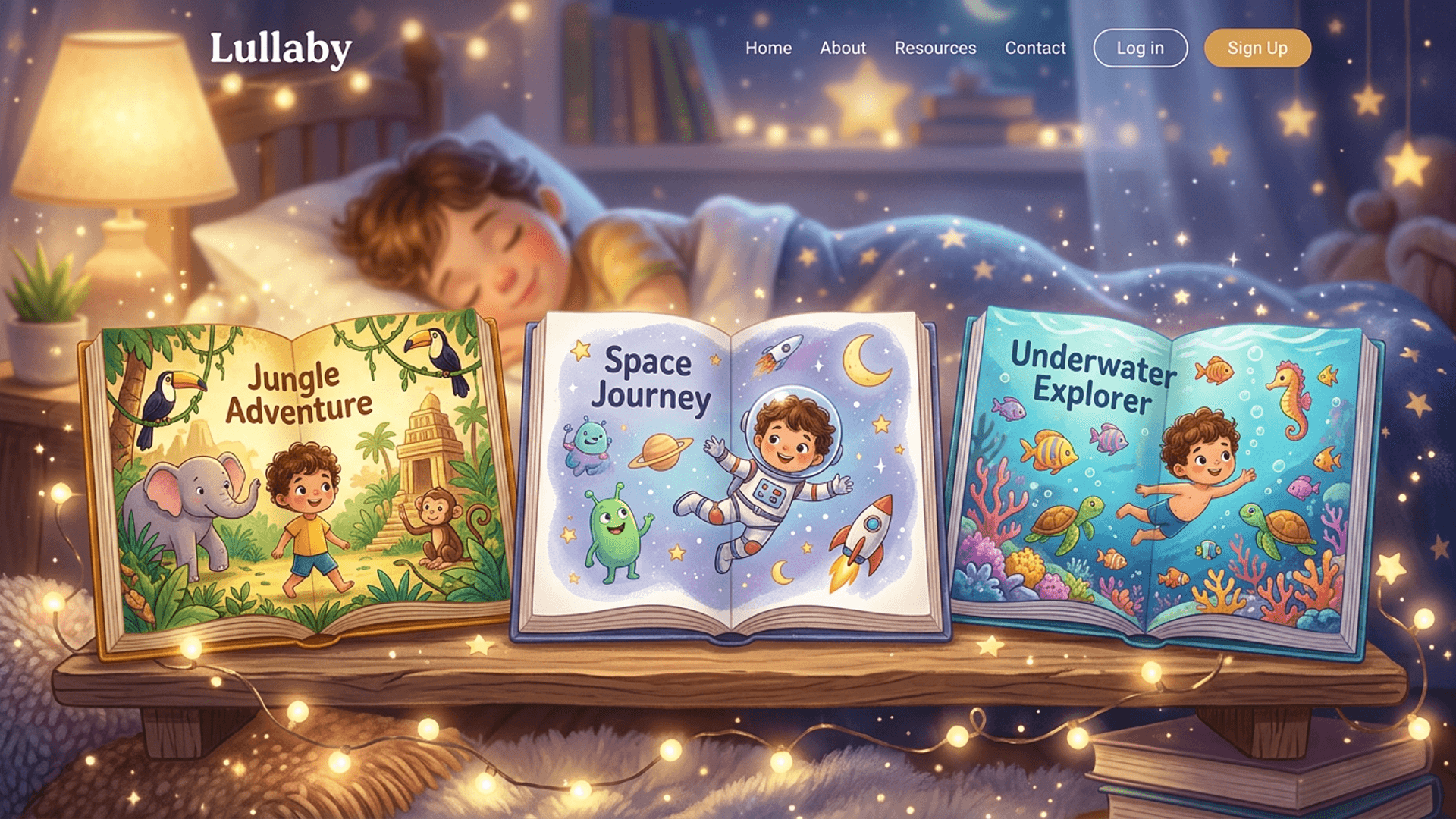
Each book takes your child to a new destination. Book one: the jungle. Book two: the moon. Book three: under the sea. Same explorer, different worlds.
2. Holiday Collection
Create a special storybook for every holiday throughout the year — Halloween, Hanukkah or Christmas, Valentine's Day, birthdays. By the end of the year, you have a full personalized gift library starring your child.
3. Sibling Mystery Squad
Two or three siblings solve a different mystery in each book. The bakery thief, the missing kitten, the playground puzzle. Great for families with multiple kids who want to star together.
4. Bedtime Tales
A cozy series where each book features a different bedtime routine turned magical. Perfect for winding down — and for kids who insist on "just one more story." Pair with our bedtime routine guide for 4-year-olds for age-specific tips.
5. Life Milestone Series
Mark big moments with a book: first day of school, learning to swim, welcoming a new baby, moving to a new house. Years later, these become an illustrated timeline of your child's early life.
6. Overcoming Fears Series
Each book helps your child face a different fear — the dark, thunderstorms, the first day at a new school, visiting the doctor. Because the character is your child, the lessons feel personal rather than abstract.
Tips for Keeping Your Kids Book Series Consistent
- Stick with one art style — Reused characters keep the art style from their original story. This gives your series a cohesive visual identity, like a real published book series.
- Reference previous adventures — Drop callbacks in your prompts: "After their space adventure, Emma and Leo discover a hidden underwater kingdom." Kids light up when stories connect.
- Vary the settings — Same characters, different worlds. Contrast keeps each book fresh while the characters provide continuity.
- Add characters gradually — Introduce one new character at a time so the story stays focused and each addition feels meaningful.
- Space out your stories — A new book every week or two gives your child something to look forward to and keeps the series feeling special.
- Save your best prompts — When a prompt produces a great story, note what worked so you can use a similar structure for the next book. Our prompt formula guide can help with this.
Reused characters are linked to the art style they were originally created with. If you want to try a completely different art style, you will need to add the characters again with new photos. Most parents pick one style for their series and stick with it.
Storybook Series vs. One-Off Books: What Parents Should Know
| Single storybook | Storybook series | |
|---|---|---|
| Character consistency | One-time appearance | Same look across every book |
| Reading engagement | Standalone experience | Builds anticipation for the next book |
| Setup time per book | Upload photos + write prompt | Just write a new prompt (characters carry over) |
| Gift potential | One gift | Ongoing gift for every occasion |
| Reading habit impact | Single experience | Creates a routine and a personal library |
| Cost efficiency | Full setup each time | Reuse characters for free |
| Best for | Trying personalized books for the first time | Families who want an ongoing reading tradition |
A single personalized storybook is a great starting point. But the real value unlocks when you turn it into a series — because that is when your child starts to see reading as something that belongs to them.
What Ages Are Best for a Personalized Storybook Series?
Personalized storybook series work for children ages 2 to 8, with slightly different benefits at each stage:
- Ages 2-3: Toddlers love pointing at themselves in the illustrations. Keep stories short and visual. A series builds recognition and vocabulary through repetition of familiar characters. If your toddler struggles with bedtime, a story series can help — see our guide on what to do when your 3-year-old will not stay in bed.
- Ages 4-5: Preschoolers start following plots and asking "what happens next?" — the perfect age to introduce a series with connected adventures.
- Ages 6-8: Early readers can follow along with the text. A series motivates them to read independently because they already know and love the character.
For bedtime specifically, a series works at any age. See our guide on bedtime routines by age for tips on pairing stories with your child's sleep schedule.
How Lullaby.ink Compares for Building a Storybook Series
Not all personalized book platforms support character reuse. Here is how Lullaby.ink compares to alternatives for creating a kids book series:
| Feature | Lullaby.ink | Template-based services (Wonderbly, I See Me) | Other AI generators |
|---|---|---|---|
| Character reuse across books | Yes, unlimited | No | Varies, often limited |
| Photo-to-cartoon transformation | Yes, AI-generated | Name/appearance selection only | Some |
| Characters per story | Up to 4 | Usually 1 | Usually 1-2 |
| Art style consistency | Automatic across series | Fixed templates | Not guaranteed |
| Story uniqueness | Fully AI-generated, no two alike | Template-based with name swaps | Varies |
| Time to create each book | About 5 minutes | 10-15 minutes | Varies |
For a full breakdown of platforms, see our best personalized children's books comparison and AI children's book generator review.
From One Book to a Growing Personal Library
The difference between a single personalized storybook and a series is the difference between a snapshot and a photo album. One is a nice moment. The other is a growing story of your child's imagination.
Every time you create a new book with the same characters, you are adding to something bigger — a personal library that your child recognizes as theirs. That sense of ownership is what turns occasional reading into a reading habit.
Lullaby.ink makes this easy: create once, reuse forever, and build a collection of adventures that grows alongside your child.
Start Your Child's Personalized Storybook Series
Frequently Asked Questions
Can I reuse the same characters in multiple storybooks?
Yes. On Lullaby.ink, once you create a story with characters, you can reuse those characters in any future story. Tap the "Reuse characters" button when starting a new story and select the characters you want. Their illustrated appearance carries over automatically, so your child looks the same in every book.
Do reused characters look the same across different stories?
Yes. When you reuse a character on Lullaby.ink, the AI-generated cartoon version of your child transfers to the new story so they look consistent across the entire series. The character appearance is linked to the art style from the original story, giving your series a cohesive visual identity.
How do I create a personalized storybook series for my child?
Create your first story on Lullaby.ink by uploading a photo and writing a prompt. For the second book, tap "Reuse characters" to carry over the same illustrated characters into a new adventure. Repeat for each new book in the series. Your child's appearance stays consistent across every story.
Can I mix old characters with new ones in a storybook?
Absolutely. You can reuse characters from previous stories and add brand new characters in the same book. This is perfect for introducing a new friend, sibling, or pet into an existing series. Lullaby supports up to 4 characters per story.
Do I need to re-upload photos when reusing characters?
No. Reused characters carry over their illustrated appearance and name automatically. You only need to upload photos when adding a completely new character. This makes building a series fast — each new book takes just a few minutes.
What age is best for a personalized storybook series?
Personalized storybook series work well for children ages 2 to 8. Toddlers love recognizing themselves in illustrations, while older kids enjoy following their character through connected adventures. The familiarity of seeing the same character builds reading engagement at every age.
How many books can be in a personalized storybook series?
There is no limit. On Lullaby.ink, you can reuse characters across as many stories as you want. Some families create a new book every week or month, building a growing personal library. Each book is a standalone adventure that also fits into the larger series.
Is Lullaby.ink free to use for creating a storybook series?
Lullaby.ink lets you create and preview stories for free, including character transformation and the first 5 illustrated pages. You only pay to unlock the full book. Reusing characters in future stories is always free, so building a series costs no more than creating individual books.
What is the best app for creating a kids book series with the same characters?
Lullaby.ink is one of the best apps for creating a kids book series with the same characters. It transforms your child's photo into an illustrated cartoon character that carries over to every new story with consistent appearance. Other options exist, but most template-based personalized book services do not support character reuse across multiple books.
Related Reading
- How to Make an AI Storybook for Your Child — Complete step-by-step creation guide
- 5 Prompt Formulas for Amazing AI Children's Books — Write better story prompts for your series
- Personalized Sibling Books Guide — Create stories with 2-3 kids together
- Children's Book Illustration Styles Guide — Choose the right art style for your series
- How to Create a Multi-Character AI Picture Book — Add multiple characters to one story
- Best Personalized Storybooks with Photos — How photo-to-cartoon transformation works
- Best Personalized Children's Books 2026 — Compare personalized book platforms
- Best AI Children's Book Generators 2026 — Compare AI story generation platforms
- Photo to Cartoon Storybook Apps — How photo transformation works
- How Stories Help Children Overcome Fears — Using stories therapeutically
- The Science of Bedtime Stories — Research-backed reading benefits
- How to Create a Storybook Series (Help Center) — Quick reference guide