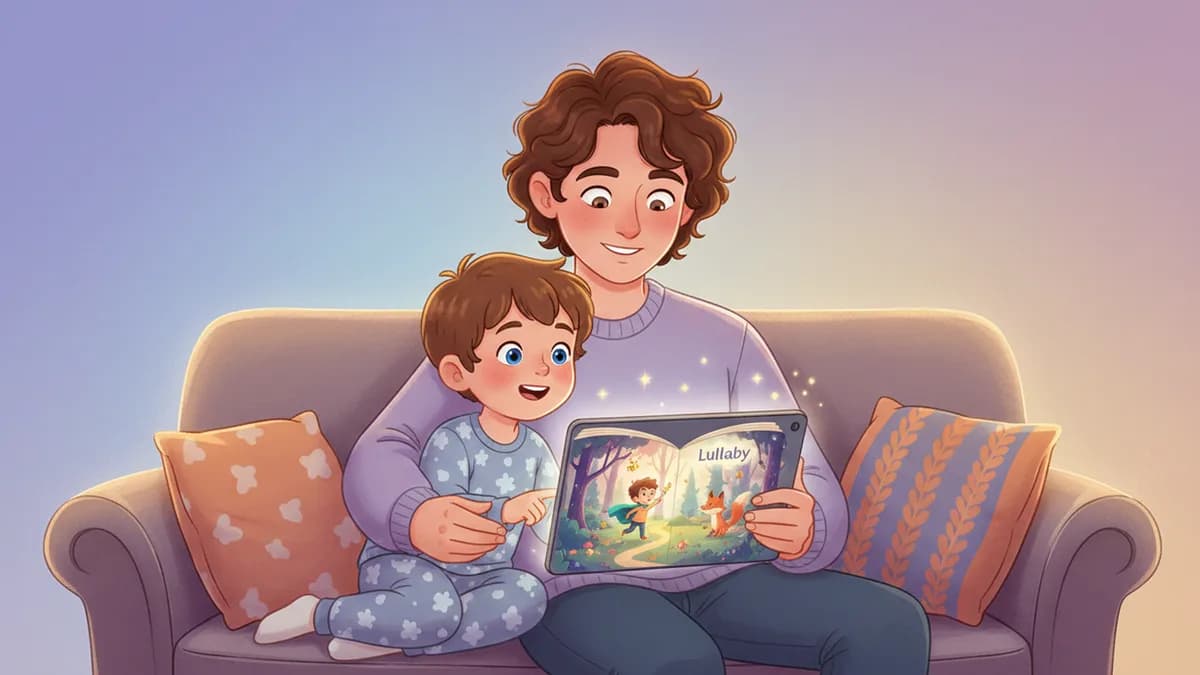
An AI storybook maker is a tool that uses artificial intelligence to generate a personalized, fully illustrated children's book from a parent's photo and story description. Instead of choosing from pre-made templates, you provide the creative direction and the AI creates a one-of-a-kind storybook where your child is the hero.
The process has five steps: (1) upload a photo, (2) write a prompt, (3) pick an art style, (4) review and edit, (5) print or share. The whole thing takes under 10 minutes.
This guide walks you through each step using Lullaby.ink as the example — one of the leading AI storybook makers that supports multiple characters, story-aware outfits, and custom backgrounds.
What Is an AI Storybook Maker?
An AI storybook maker (also called an AI kids book creator or AI children's book generator) takes your input — a photo of your child, a story idea, and an art style preference — and produces a complete illustrated storybook. The AI writes the narrative, generates matching illustrations on every page, and formats it into a book you can read on screen or print.
The best AI storybook makers go beyond inserting a name into a template. They transform your child's photo into an illustrated character that appears consistently on every page, adapting outfits to match the story and maintaining your child's unique features throughout.
Unlike template-based personalized books (such as Wonderbly or I See Me), AI storybook makers like Lullaby.ink generate completely unique narratives and illustrations from scratch. No two books are the same.
If you want to compare AI children's book generators side by side, see our separate review. This guide focuses on the actual creation process.
What You Need Before You Start
Before making your AI storybook, gather these:
- A clear photo of your child — front-facing, natural light, no hats or sunglasses. One photo per character.
- A story idea — even a simple one like "Lily goes on a space adventure" or "Max overcomes his fear of swimming."
- 5-10 minutes of uninterrupted time.
That is it. You do not need writing experience, design skills, or any technical knowledge. The AI handles the storytelling and illustration.
On Lullaby.ink, you can add up to 4 characters — perfect for siblings starring together in the same story. If you want grandparents or pets in the story, those count as characters too.
If your child is a reluctant reader, making them the main character of their own book is one of the most effective ways to spark reading excitement.
Step 1: Upload Your Child's Photo
The first step in any AI storybook maker is providing a photo of your child. On Lullaby.ink, you upload a clear photo and the AI transforms it into a cartoon character that matches the art style you choose later.
Tips for the best results:
- Use a recent photo (kids change fast)
- Face should be clearly visible and well-lit
- Avoid group shots — upload individual photos for each character
- Casual clothing works fine; the AI adapts outfits to match the story
The AI analyzes facial features, hair color, and skin tone to create a cartoon version of your child that is recognizable but stylized. This character then appears consistently on every page of the storybook.
For more on how this technology works, see our guide to personalized storybooks with photos.
Step 2: Write a Story Prompt That Works
This is the creative part. On Lullaby.ink, you write a free-form story prompt describing what the adventure should be about. There are no templates to choose from — you describe whatever story you want.
Example prompts that produce great stories:
- "Sophia discovers a secret garden behind her house where flowers talk and teach her about kindness"
- "Jake and his little sister Maya go on a dinosaur safari in the backyard that turns into a real jungle"
- "Noa is nervous about starting kindergarten, but a friendly dragon helps her feel brave"
The more specific you are, the better the story. Include your child's interests, a challenge or lesson, and the setting you want.
For detailed prompt techniques, see our 5 prompt formulas for amazing AI children's books.
Step 3: Choose an Art Style for Your Book
The art style determines the entire visual feel of your AI storybook. On Lullaby.ink, you choose from 7 styles:
- Pixar Adventure — bright, cinematic, 3D-rendered characters
- Dreamy Watercolor — soft, painterly, calming for bedtime
- Bold Comic — high-contrast, dynamic, great for action stories
- Anime Fantasy — expressive, colorful, appealing to older kids
- Claymation — tactile, warm, charming for younger children
- Modern Minimalist — clean lines, sophisticated, illustration-forward
Each style transforms your child's photo differently, and the entire book maintains visual consistency in that style. For a deeper look at how each style works, visit our illustration styles guide.
Step 4: Review, Edit, and Finalize Your Story
After the AI generates your storybook (usually under 2 minutes on Lullaby.ink), you get a complete book to review. This is where AI storybook makers differ from simple generators — the best ones let you refine the output.
On Lullaby.ink, you can:
- Edit any text — rewrite sentences, change names, adjust the story
- Regenerate illustrations — if a page does not look right, regenerate it
- Review character appearances — make sure your child looks accurate on every page
This editing step is important. AI-generated stories are good starting points, but a quick review ensures the story reads naturally and the illustrations match your vision. Most parents spend 2-3 minutes reviewing and may regenerate 1-2 illustrations.
Step 5: Print or Share Your AI Storybook
Once you are happy with your AI storybook, you can keep it digital or order a printed copy. On Lullaby.ink, print options include:
- Softcover ($24.99) — lightweight, great for everyday reading
- Hardcover ($29.99) — durable, perfect for a keepsake
- Premium layflat ($39.99) — lies flat when open, highest quality
Digital stories are available immediately. Printed books ship to your door.
AI storybooks make meaningful personalized gifts for birthdays, holidays, or milestones like starting school or welcoming a new sibling. Having a professional printed copy turns a digital creation into something your child can hold, read, and treasure.
Ready to Make Your First AI Storybook?
Creating an AI storybook for your child takes less time than reading this guide. Upload a photo, describe an adventure, pick a style, and the AI does the rest.
Try it free at Lullaby.ink — create and preview your first 5 pages without paying anything. See your child as an illustrated storybook character in under 5 minutes.
Frequently Asked Questions About AI Storybook Makers
How long does it take to make an AI storybook?
Creating an AI storybook takes about 5-10 minutes of active time. On Lullaby.ink, you upload a photo (30 seconds), write a story prompt (2-3 minutes), pick an art style (30 seconds), and the AI generates your illustrated storybook typically typically in under 2 minutes. You can then edit text and regenerate illustrations before finalizing.
Can I make an AI storybook with my child's photo for free?
Yes. Lullaby.ink lets you upload photos, transform them into cartoon characters, generate the full story, and preview the first 5 illustrated pages completely free. You only pay to unlock the complete book. This lets you see exactly what your AI storybook looks like before spending anything.
Do I need writing skills to create an AI children's book?
No. You describe what you want the story to be about in plain language — for example, "Emma learns to share her toys at the playground" — and the AI writes the complete narrative. You do not need to write dialogue, structure a plot, or illustrate anything. The AI handles all of that from your simple description.
What is the best photo to use for an AI storybook?
Use a clear, front-facing photo in natural light where your child's face is fully visible. Avoid hats, sunglasses, heavy shadows, or group photos. Photos taken at eye level with a simple background produce the most accurate cartoon character transformations.
Related Reading
- Best AI Children's Book Generators in 2026 — Compare 6 platforms side by side
- 5 Prompt Formulas for Amazing AI Children's Books — Write better story prompts
- Children's Book Illustration Styles Guide — Explore all 7 art styles
- Personalized Sibling Books Guide — Create stories with 2-3 kids together
- See how it works — Visual walkthrough of the creation process