What is a look?
Sometimes a character should look different on only some pages: a costume for the show, pajamas at bedtime, or the same person years earlier. For that, add a look instead of changing the character.
Each character in Edit Characters & Items shows Today (how they look on most pages) followed by their other looks. Under each look you can see which pages use it, or "Not on any page yet".
To open it: in your story, tap the More Options menu and choose Edit Characters & Items.
Add a look
- Tap Add a look next to the character's looks.
- Name this look, for example Party dress, Pajamas, Football kit or At 22.
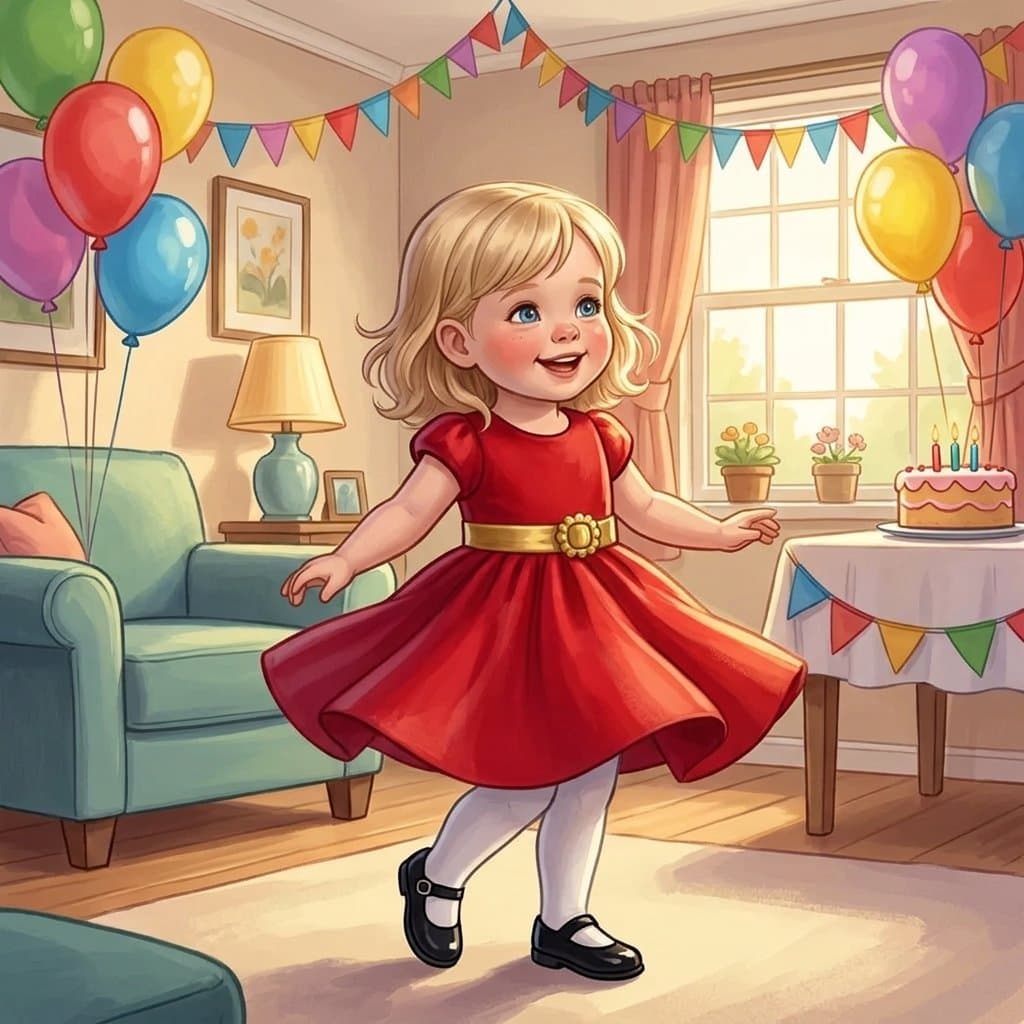
- Describe what's different, for example "red party dress with a gold belt", or upload a photo of them looking that way.
- Tap Add look. The new look is drawn from the character's Today look, so their face stays the same.
Adding a look is free. It doesn't change any page until you apply it.
Rosie
Put a look on a page
- Tap Continue to select pages and choose the pages.
- On each page, tap Change a look on this page and pick the look for each character, for example Rosie → Pajamas.
- Tap Apply changes. Each page uses one regeneration.
Only pick the characters you want to change. A character you select is redrawn from their look, so if you also select someone who was changed by hand on that page (say, an outfit you added with a page edit), they go back to their saved look.
When two characters look alike
If two characters are similar (twins, two teddies, two siblings in matching clothes), say who is who in Add guidance. For example:
"Rosie is the girl on the swing. Mia is the one pushing her, in the blue jumper. Change only Rosie."
This keeps each look on the right character and everyone in their place.
Looks or changing the character?
- Add a look when the change is only for some pages: an outfit, a costume, another age.
- Edit the character when they should look different everywhere, for example a clearer photo or a new haircut. Their looks are redrawn to match.
See also: Edit a character's appearance, make your regenerations go further, or create a storybook series with the same characters.