Publishing a children's book used to mean literary agents, rejection letters, and years of waiting. Today, Amazon KDP (Kindle Direct Publishing) lets anyone publish a real, printed children's book that sells on Amazon — for free, with no inventory, and with royalties paid monthly.
This guide walks through the entire process for a children's picture book specifically, which has different (and stricter) requirements than a text-only novel. And if the "write and illustrate a book" part is what's stopping you — we'll show you how parents are doing that part in minutes, not months.
What Is Amazon KDP?
Kindle Direct Publishing is Amazon's self-publishing platform. For print books it works as print-on-demand: you upload your book files once, and Amazon prints a fresh copy every time someone orders. There's no upfront cost, no minimum print run, and no garage full of unsold books.
What you get:
- A real product listing on Amazon (and Amazon's international marketplaces)
- 60% royalty on paperbacks, minus printing costs
- A free ISBN assigned by Amazon
- Author copies at printing cost — order your own book for a few dollars
What you're responsible for: the manuscript, the illustrations, a properly formatted interior PDF, a wraparound cover PDF, and the listing itself. That's where most first-time picture-book publishers get stuck — so let's break it down.
Picture Book Requirements on KDP (2026)
Children's picture books are the most format-sensitive category on KDP. Here's what Amazon requires:
| Requirement | Specification |
|---|---|
| Minimum page count | 24 pages |
| Interior file | Single-page PDF at trim size, fonts embedded |
| Image resolution | 300 DPI recommended |
| Bleed | 0.125" (3.2 mm) beyond trim if art reaches the page edge |
| Ink | Premium color (standard color looks washed out for picture books) |
| Cover | Separate one-page PDF: back cover + spine + front cover as one wraparound image |
| Spine width | Calculated from page count (about 0.002347" per color page) |
Two details trip up almost everyone:
- The cover is one single wraparound file, not a front image. Its width depends on your exact page count, because the spine gets thicker with more pages. Get the math wrong and Amazon's previewer rejects the file.
- Full-bleed art needs oversized pages. If your illustrations run edge-to-edge (they should — white borders look amateur in picture books), every page must be exported larger than the trim size, with the artwork extending into the bleed zone.
Step 1: Create the Book Itself
You need a story and 20+ pages of consistent illustrations. Your options in 2026:
- Hire an illustrator — $500–$3,000+ and 2–4 months for a typical 32-page picture book
- Illustrate it yourself — free, if you have the skill and a few hundred hours
- Use an AI storybook maker — minutes, and around $15
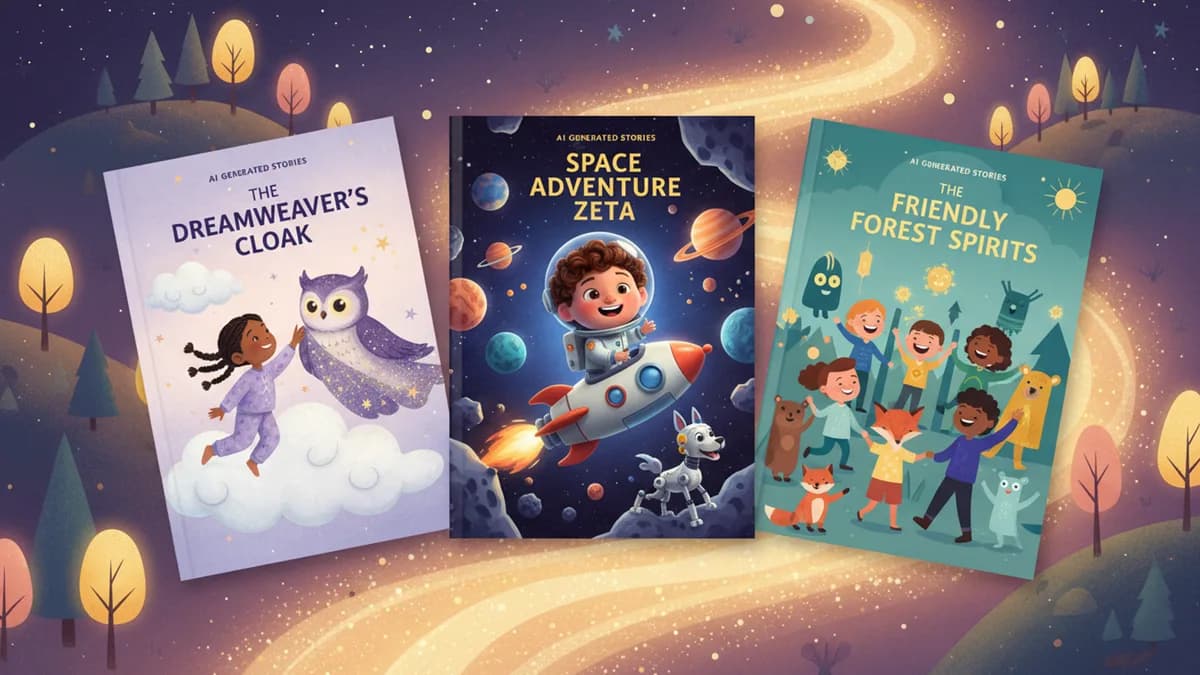
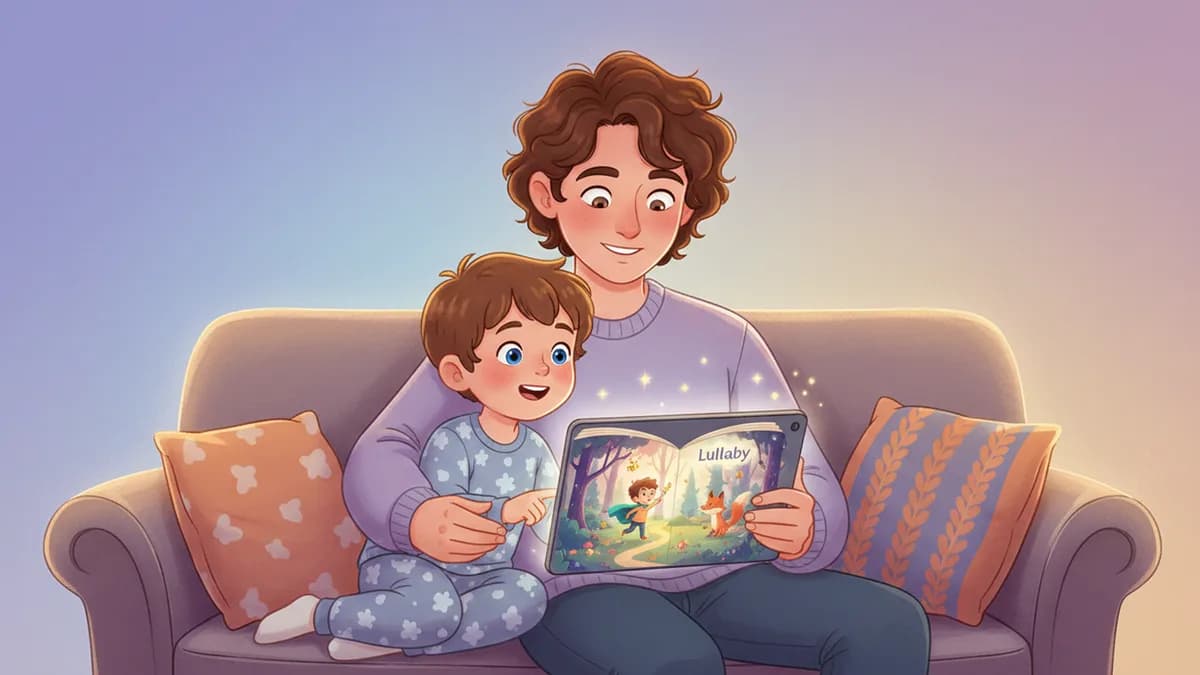
Tools like Lullaby.ink generate a complete illustrated children's book from a story prompt — and can even star your own child as the main character by transforming a photo into a consistent cartoon character across every page. You pick from seven illustration styles, edit every line of text, and regenerate any illustration you don't love. Already written the text? Paste it in to illustrate your own children's book with your exact words on every page.
That last part matters for KDP: Amazon holds AI-illustrated books to the same quality bar as everything else. Books with inconsistent characters or garbled details get rejected or buried by reviews. Choose a tool that keeps characters consistent page-to-page — here's how the leading AI picture book makers compare.
Step 2: Get Print-Ready Files
This is the technical hurdle: trim size, bleed, embedded fonts, 300 DPI, and that wraparound cover with a correctly calculated spine.
If you built your book in Canva or Photoshop, budget an afternoon with Amazon's print specifications and their cover calculator.
If you built your book on Lullaby, this step is one click: the Amazon KDP package export produces a ZIP with a correctly formatted interior.pdf (8.5 × 8.5" trim, bleed included, padded to KDP's 24-page minimum), a cover.pdf with the spine already calculated for your exact page count, and a README with your book's specs. See our help guide to publishing on KDP for the full walkthrough.
Step 3: Set Up Your KDP Account
Go to kdp.amazon.com and sign in with any Amazon account. One-time setup:
- Author profile — your name (or a pen name)
- Tax interview — a short online form; non-US authors included
- Bank details — where royalties get deposited
Step 4: Upload and Fill In Your Listing
From your KDP Bookshelf, click Create → Paperback:
- Title & subtitle — include words parents actually search ("bedtime story," "ages 3-5")
- Description — 2–3 warm paragraphs about the story
- Categories & keywords — children's picture books, plus your themes (dinosaurs, kindness, new sibling…)
- AI content disclosure — if any text or illustrations are AI-generated, you must declare it. This is required, internal to Amazon, invisible to buyers, and does not affect ranking. We cover the details in our guide to Amazon's AI content rules for children's books.
- Upload interior and cover PDFs, choose your trim size and premium color ink
- Check every page in the Print Previewer — this is Amazon's own validation; if it passes here, it prints correctly
- Set your price — see the royalty math below
Your book typically goes live on Amazon within 72 hours of hitting Publish.
The Royalty Math (Real Numbers)
Paperback royalty = (list price × 60%) − printing cost.
For a 24-page, 8.5 × 8.5" premium color paperback printed in the US, printing costs about $3.60. So:
| List price | Your royalty per sale |
|---|---|
| $9.99 | ~$2.39 |
| $11.99 | ~$3.59 |
| $14.99 | ~$5.39 |
Most self-published picture books list between $9.99 and $14.99. Once your book is live, you can also order author copies of the paperback at printing cost.
Should You Publish on KDP — or Just Print Privately?
Before you set up a KDP account, it's worth asking what you actually want. If the answer is "a beautiful printed book of my child's story," KDP is the long way around: every KDP book is publicly listed on Amazon (there is no private option — your child's name and cartoon likeness will be visible to anyone), the output is a standard print-on-demand paperback, and you'll spend an afternoon on account setup and uploads.
For a keepsake, ordering a printed book directly from the platform that made it is faster and nicer — Lullaby prints private hardcover and layflat editions with no Amazon account, no listing, and no admin. KDP earns its effort when you genuinely want your book for sale to the public. We compare both paths honestly in Amazon KDP vs. direct printing for personalized books.
Start With the Book
The publishing mechanics take an afternoon. The book itself is the part that matters — and it's never been easier to make a beautiful one.
Create your children's book on Lullaby — write the story, watch it come to life in your favorite art style, then export a KDP-ready package when you're happy with every page.